Over 90% of the recent breakthroughs in artificial intelligence — from protein folding to real-time language translation — trace back to a single family of techniques: deep learning. It is not a buzzword. It is the engine underneath almost every intelligent system you interact with daily, and understanding it is no longer optional for anyone building or deploying software.
Key Takeaways
- Deep learning is a subset of machine learning that uses layered neural networks to learn from raw data.
- It powers everything from image recognition and language models to AI-assisted coding tools.
- The gap between classical ML and deep learning widens every year as compute and data scale up.
- Modern AI developer tools — like Claude Code, GitHub Copilot, and Cursor — are themselves products of deep learning research.
- Knowing the architecture basics gives you a real edge when evaluating, deploying, or building AI systems.
What Deep Learning Actually Is
Strip away the marketing language and deep learning is straightforward in concept: it is machine learning performed by artificial neural networks with many layers. Each layer learns increasingly abstract representations of the input data — pixels become edges, edges become shapes, shapes become objects.
The “deep” in deep learning refers to depth — the number of hidden layers in the network. A shallow network might have one or two hidden layers. Modern large language models have hundreds of transformer layers stacked on top of each other, trained on trillions of tokens of text.
How It Differs from Classical Machine Learning
Classical ML algorithms — linear regression, decision trees, support vector machines — require humans to manually engineer features from raw data. Deep learning skips that step entirely. Given enough data and compute, the network discovers its own features automatically.
| Aspect |
Classical ML |
Deep Learning |
| Feature engineering |
Manual, domain-specific |
Automatic, learned from data |
| Data requirements |
Works with smaller datasets |
Needs large-scale data to shine |
| Interpretability |
Relatively transparent |
Often a black box |
| Performance ceiling |
Plateaus quickly |
Scales with compute and data |
| Typical use case |
Tabular data, structured problems |
Images, text, audio, code |
The Core Architectures You Need to Know
Not all neural networks are the same. The field has developed specialized architectures for different types of data, and recognizing which architecture fits which problem is a fundamental skill for any practitioner.
Convolutional Neural Networks (CNNs)
CNNs are the workhorses of computer vision. They apply learned filters across spatial dimensions of an image, making them extraordinarily efficient at detecting local patterns regardless of where they appear. Every face-unlock system on your phone uses a CNN or one of its descendants.
Transformers and Attention Mechanisms
Transformers, introduced in the landmark 2017 paper “Attention Is All You Need,” replaced recurrent networks as the dominant architecture for sequential data. The self-attention mechanism allows the model to relate every token in a sequence to every other token simultaneously — enabling context understanding at a scale RNNs never achieved.
Large language models (LLMs) like GPT-4, Claude, and Gemini are transformer-based. So are the multimodal models that process images and text together. The transformer is arguably the most important architectural innovation in the history of machine learning.
“The architecture is the algorithm. Understanding the transformer is not optional for anyone serious about modern AI — it explains why LLMs behave the way they do, and where their limits come from.”
Where Deep Learning Is Applied Right Now
The applications of deep learning are no longer confined to research papers. They are production systems handling billions of requests per day across every major industry.
- Healthcare: Deep learning models detect diabetic retinopathy, classify cancerous tissue, and predict protein structures with near-atomic precision (AlphaFold).
- Natural language processing: Summarization, translation, sentiment analysis, and conversational AI all rely on transformer-based deep learning.
- Autonomous vehicles: Perception stacks that identify pedestrians, lane markings, and traffic signals in real time are driven by CNNs and vision transformers.
- Code generation: AI coding assistants parse, understand, and generate software using the same LLM architectures that power chatbots.
- Recommendation systems: Every feed you scroll — YouTube, TikTok, Spotify — is ranked by a deep learning model trained on your behavior and millions of others.
Deep Learning Powering the Next Generation of Developer Tools
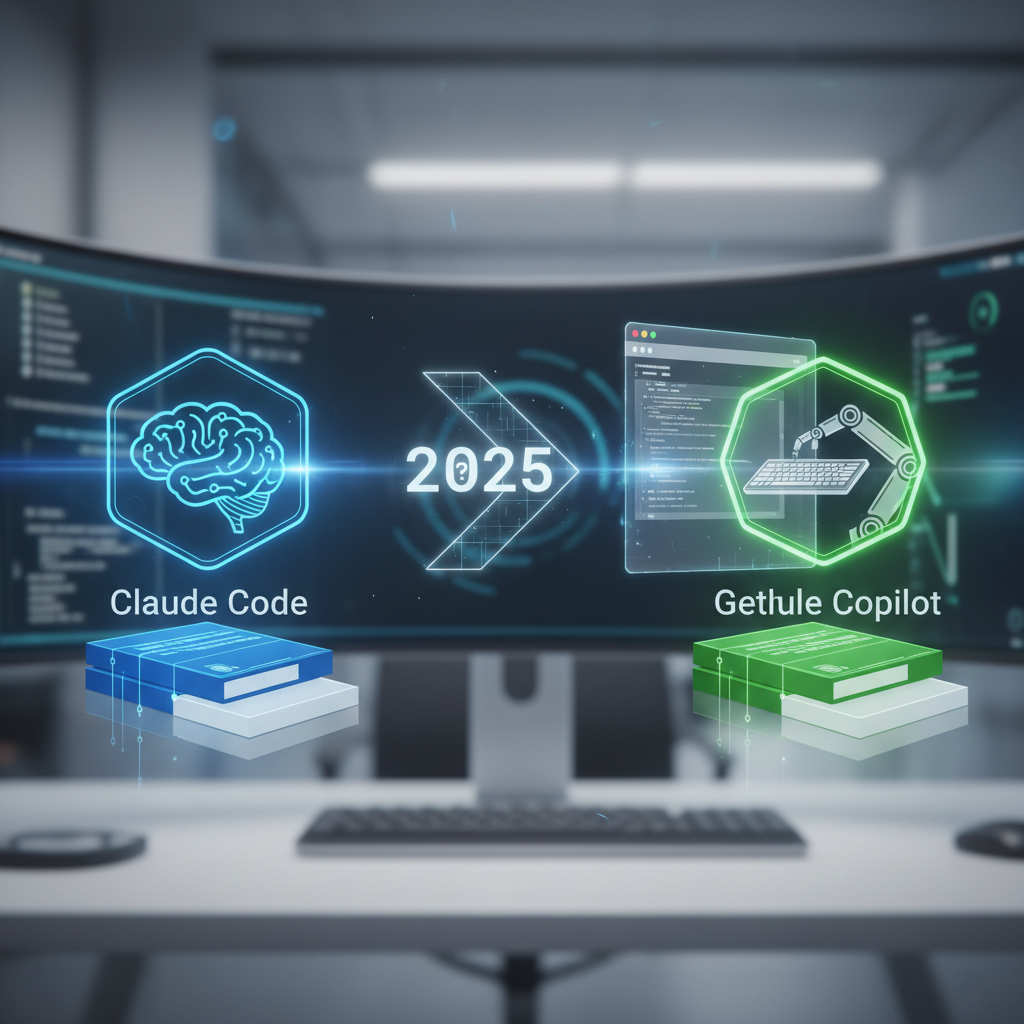
One of the most visible real-world applications of deep learning right now is in AI-assisted software development. Tools like Claude Code, GitHub Copilot, and Cursor all run on fine-tuned large language models — which are, at their core, deep learning systems trained to understand and generate code.
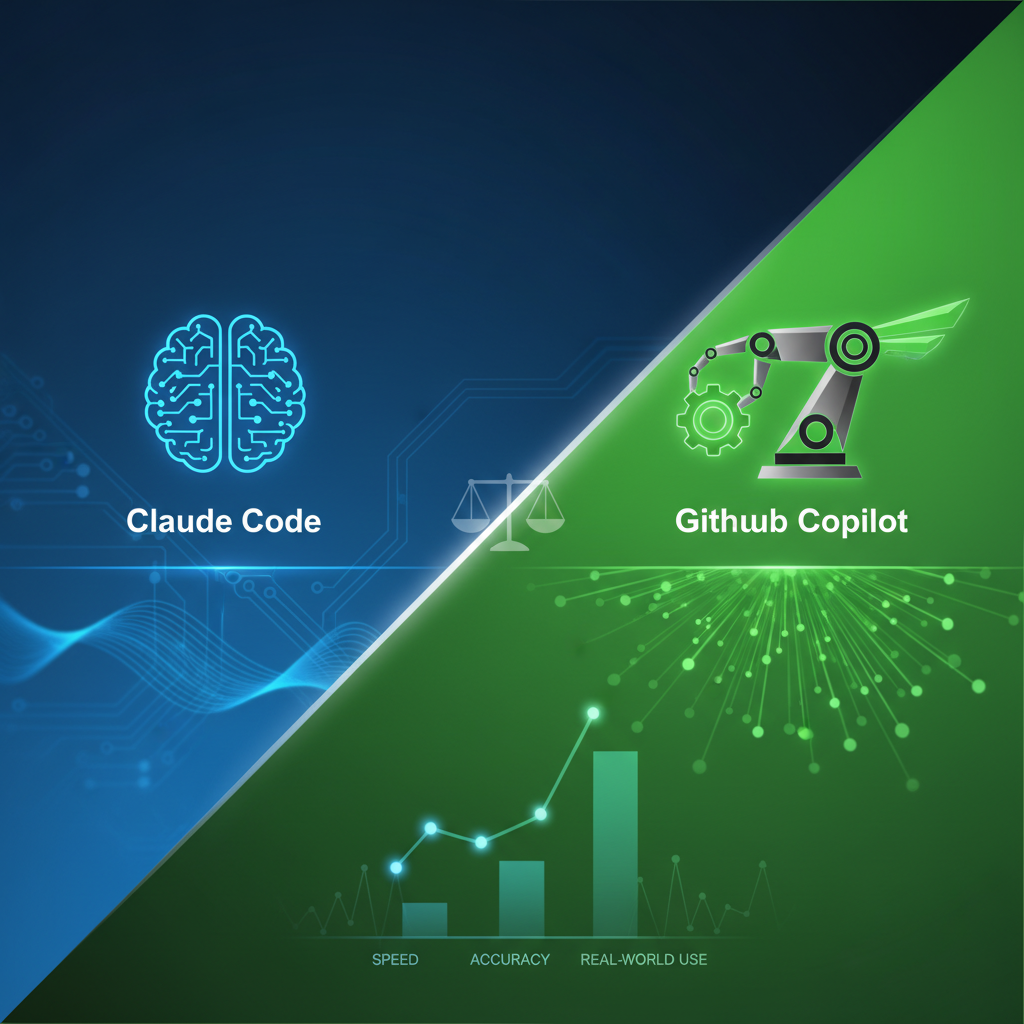
According to a detailed comparison of Claude Code vs GitHub Copilot vs Cursor, these tools differ significantly in how they integrate into development workflows, the quality of multi-file context handling, and their approaches to agentic task execution. Those differences come directly from the underlying model architectures and training strategies — which is why understanding deep learning gives developers a sharper lens for evaluating these tools.
Why Model Architecture Determines Tool Behavior
When an AI coding assistant “loses context” on a large codebase or generates subtly wrong logic, that is a direct consequence of the model’s architecture, training data, and context window size — all deep learning concepts. Developers who understand attention mechanisms, for example, understand why longer contexts degrade quality and how to work around it.
As these tools become integral to professional software development, the engineers who understand the deep learning substrate underneath them make better architectural decisions, write better prompts, and recognize failure modes before they ship.
The Training Process: What Makes Deep Learning Work
Deep learning models learn through a process called gradient descent. The network makes a prediction, compares it to the correct answer using a loss function, and then propagates the error backwards through the network (backpropagation) to update weights. Repeat this billions of times on massive datasets, and the model converges to useful behavior.
The scale of modern training runs is staggering. GPT-4 was reportedly trained on tens of thousands of GPUs for months. This compute intensity is why cloud providers like AWS, Google Cloud, and Azure compete aggressively on GPU availability — and why model distillation and quantization techniques matter so much for anyone trying to run these models at a reasonable cost.
Transfer Learning Changes Everything
You do not need to train a model from scratch to benefit from deep learning. Transfer learning lets practitioners take a pre-trained model — already rich with learned representations — and fine-tune it on a smaller, domain-specific dataset. This is why a startup with modest compute can still build a competitive medical imaging classifier by fine-tuning a pre-trained vision model.
Frequently Asked Questions
Do I need a math background to learn deep learning?
A working knowledge of linear algebra, calculus, and probability is genuinely useful — especially when debugging training instability or designing custom architectures. That said, high-level frameworks like PyTorch and TensorFlow abstract most of the math, and many practitioners become productive before mastering all the theory.
What is the difference between deep learning and AI?
AI is the broadest category — any system exhibiting intelligent behavior. Machine learning is a subset of AI that learns from data. Deep learning is a subset of machine learning that specifically uses deep neural networks. Most modern AI systems people interact with are powered by deep learning.
How much data does deep learning need?
It depends on the task and architecture. Training a large language model from scratch requires billions of examples. Fine-tuning a pre-trained model for a specific classification task can work with as few as a few hundred labeled examples. Transfer learning dramatically reduces data requirements for most applied projects.
Is deep learning the same as a neural network?
Not exactly. All deep learning uses neural networks, but not all neural networks qualify as deep learning. A single-layer perceptron is a neural network but not deep learning. The term “deep” specifically implies multiple hidden layers that enable hierarchical feature learning.
Can deep learning models explain their decisions?
Interpretability is one of the field’s active challenges. Techniques like SHAP, LIME, and attention visualization provide partial explanations, but deep networks remain fundamentally opaque compared to decision trees or linear models. Regulatory pressure — especially in healthcare and finance — is pushing the field toward more explainable architectures.
What to Do Next
Deep learning is not a future technology — it is the foundation of the systems running in production right now, including the AI tools your team likely uses every day. The clearest path forward is hands-on practice: pick up PyTorch, train a small image classifier, and then read the attention paper that powers every LLM you interact with. If you are evaluating AI development tools, start by reading a rigorous side-by-side comparison of leading AI coding assistants to understand how model architecture translates to real-world developer experience. The engineers who understand the deep learning layer underneath these tools are the ones who get the most out of them — and make fewer expensive mistakes.